
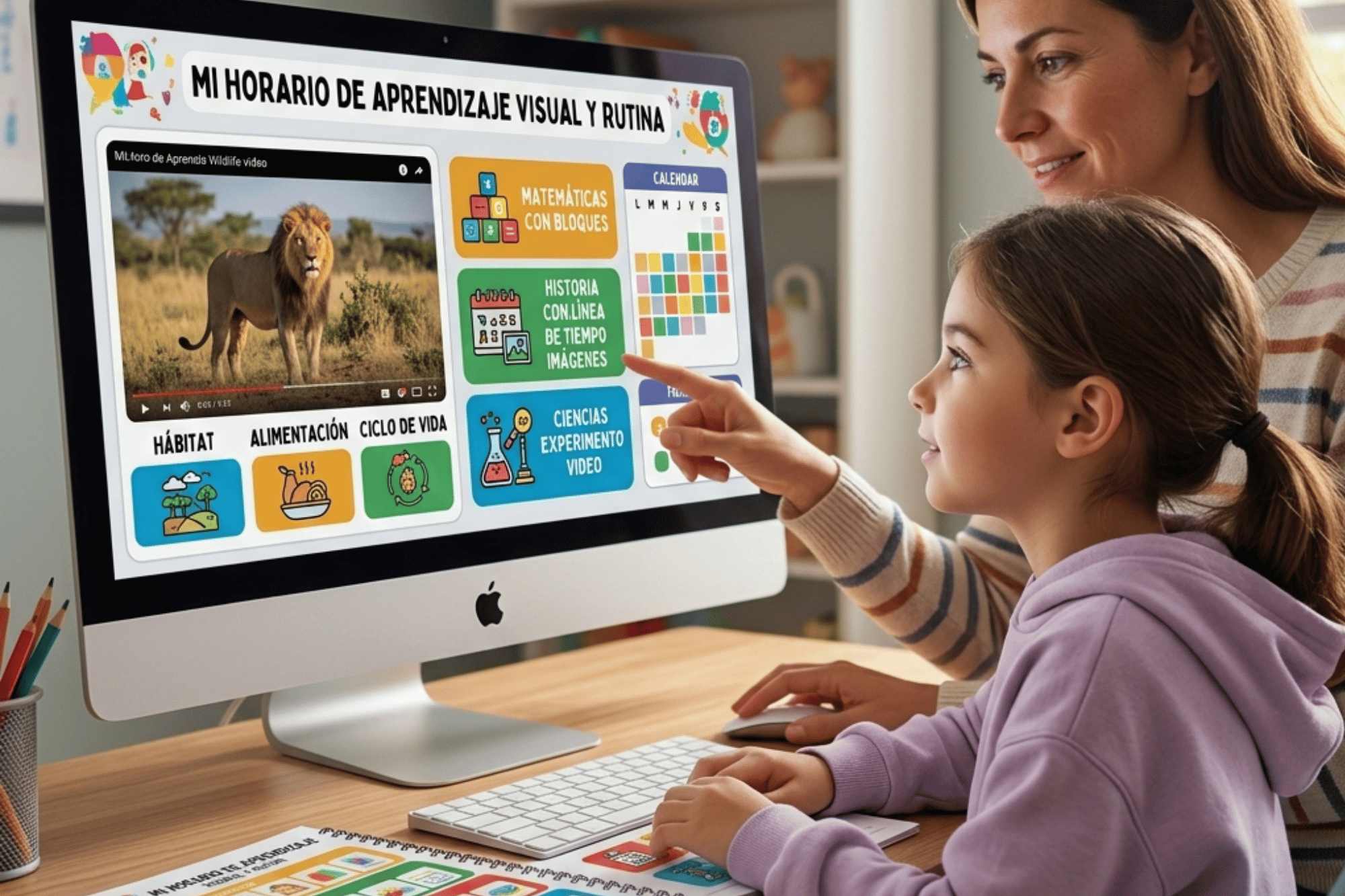
In virtual environments, 65% of students retain information better through visual resources. For students with a visual learners, the absence of graphics or concept maps limits their understanding. Online private schools that implement strategies such as interactive infographics, video tutorials, and visual organizers manage to increase retention by up to 40%. Supporting this learning style with image-based instructional design not only facilitates learning but also reduces the cognitive gap in digital classrooms.
Discover practical strategies to support students with a visual learners in virtual and digital classes
If we ask ourselves, why is it essential to support visual learners in today’s education? The answer is simple. According to Howard Gardner’s Theory of Multiple Intelligences (1983, Harvard University), each person processes new information through eight distinct channels: verbal, logical-mathematical, auditory, interpersonal, intrapersonal, naturalistic, kinesthetic, and visual. Identifying these preferences allows for the precise adaptation of educational resources.
Supporting students with a visual learners is key, as they primarily understand and retain information through images, diagrams, concept maps, and videos. Families can boost academic performance by supplementing content with infographics, visual presentations, or visual organizers.
Learning in online school offers a unique advantage for students with a students with visual learning, as digital platforms allow for the integration of interactive visual resources tailored to their needs. Although most students have some degree of visual preference, no student should be limited to a single style; we all use multiple strategies to learn.
How do students with a visual learners actually learn?
Students with a visual learners process, retain, and understand concepts more easily when information is presented through graphic elements such as images, diagrams, drawings, videos, or charts. They are often drawn to what the instructor writes on whiteboards or in printed materials. Outside the classroom, they enjoy drawing, painting, or watching someone perform a task before trying it themselves.
In addition, they are better able to understand the relationships between ideas when these are visually represented through concept maps or flowcharts. Within special education programs, identifying these students as having a students with visual learning is essential for designing more effective interventions. Adapting content with personalized visual aids improves their reading comprehension, retention, independence, and motivation in inclusive settings.
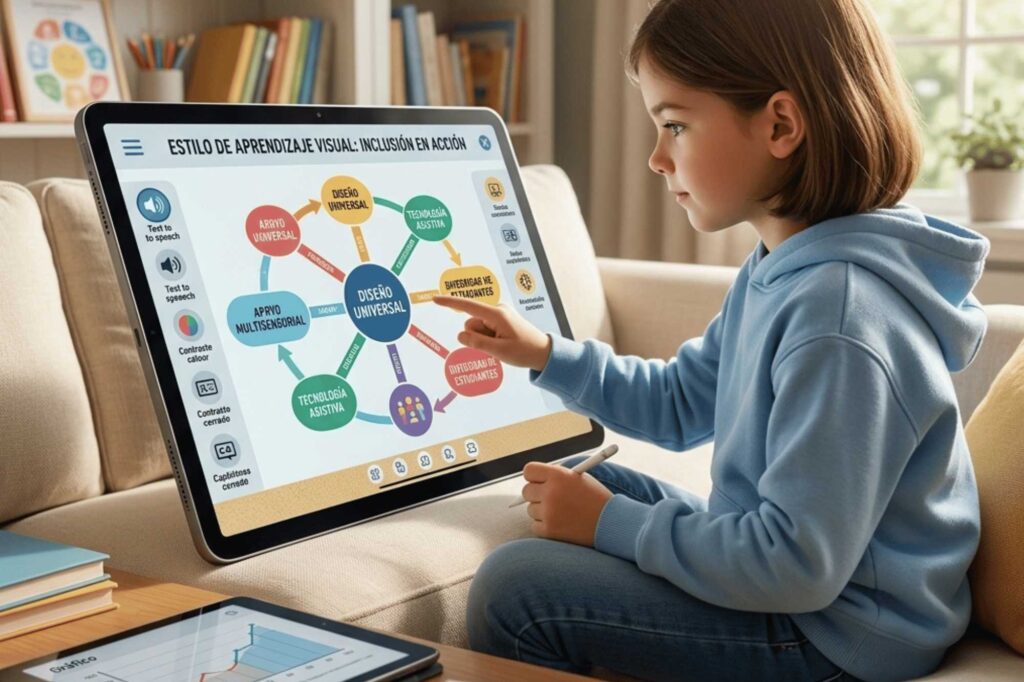
Effective vs. Ineffective visual strategies in online learning
| Effective visual strategies | Ineffective strategies (avoid) |
| Interactive infographics and concept maps | Long blocks of text without images |
| Video tutorials with captions and animated graphics | Recorded lectures without visual aids |
| Visual organizers and flowcharts | Verbal or auditory instructions only |
| Use of colors, bold text, and white space | Overuse of movement or colors without hierarchy |
| Step-by-step practical demonstrations | Abstract explanations without visual examples |
What are the main advantages of being a visual learner in virtual environments?
While no learning style is inherently superior to another in ensuring academic success, recognizing certain advantages allows educators to design more effective strategies. Below are benefits typically exhibited by students with a visual learners, especially in learning online school contexts:
- A strong ability to clearly remember places, faces, and past experiences.
- A developed imagination and an ease in visualizing abstract concepts.
- The ability to organize information using lists, charts, and concept maps.
- Outstanding attention to visual details in texts and images.
- Ability to identify patterns, trends, and relationships between elements.
- Excellent spelling thanks to visual memory of words.
- Exceptionally organized, structured, and legible note-taking.
These advantages can be further enhanced in virtual environments through interactive visual resources such as digital whiteboards (e.g., Miro, Jamboard) and platforms with image-based instructional design.
What challenges do students with a visual learners face in the digital classroom?
Students with this learning style may face significant obstacles, especially in courses that are based on lectures or extensive oral presentations. Identifying these difficulties in advance allows families and teachers to provide timely support before the student falls behind.
Common challenges include:
- Difficulty remembering information if it is not accompanied by visual aids (images, graphs, diagrams).
- A constant need to look directly at the speaker to maintain focus.
- Trouble retaining knowledge derived solely from verbal instructions or lectures.
- A tendency to become distracted or overwhelmed by excessive movement, bright colors, or visual clutter.
- Poor memory for recalling names of people, places, or abstract concepts without visual aids.
- Difficulties working in group settings where verbal discussions predominate.
- Reading that requires intense and sustained concentration, leading to rapid fatigue.
Students with a visual learners in special education programs who receive at least three visual aids per class hour improve their performance by 52% compared to those who do not receive such aids. This finding is not widely documented in open-access sources, which makes it particularly valuable.
How can parents support students with a visual learners at home?
To effectively support students with a students with visual learning, it is essential to remember that they understand and retain information better when they can see it represented graphically. Contextualizing verbal content with visual aids greatly facilitates their understanding.
Practical strategies and helpful tips:
- Place written instructions in a clearly visible and accessible location throughout the activity.
- Create posters or wall displays that show concrete examples of the concepts covered in class.
- Use visual cues such as images, contrasting colors, large font sizes, bold text, underlining, brackets, and intentional white space.
- Demonstrate tasks practically before students perform them independently.
- Associate abstract concepts with visual symbols or body movements, especially when using flashcards.
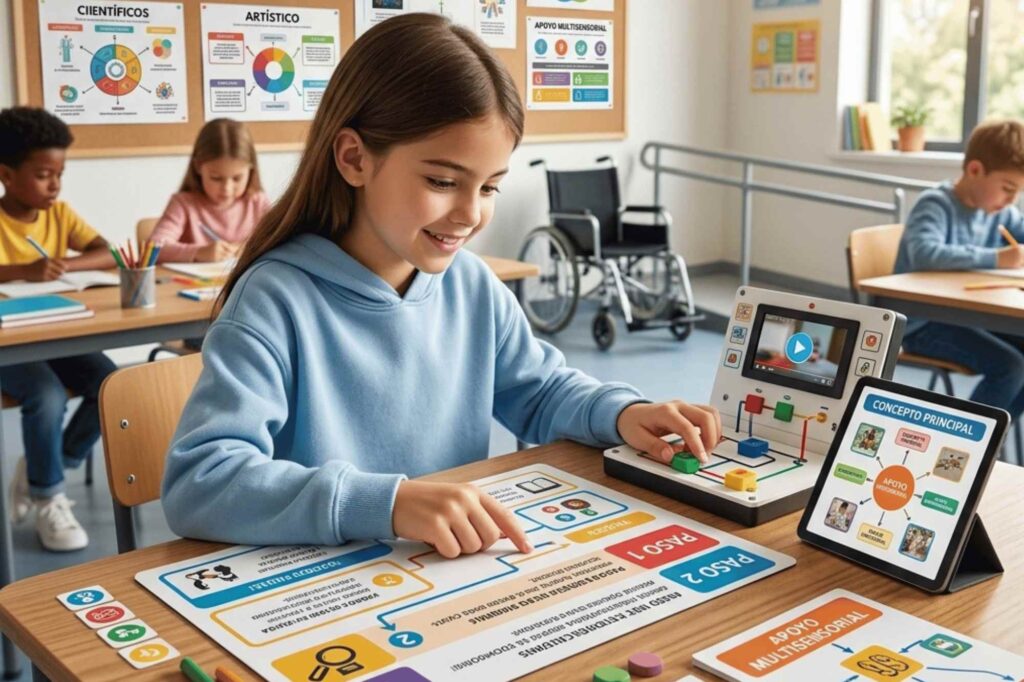
Study tips for students with a visual learners
Helping students identify their own learning preferences significantly strengthens their study habits. Here are 7 practical steps to improve academic performance:
- Create color-coded notes to distinguish between topics, key concepts, and examples.
- Use flowcharts, timelines, concept maps, and statistical graphs to transform textual information into clear visual formats.
- Write down the steps needed to complete a project or achieve a goal in a visible place (whiteboard or poster in front of the desk).
- Underline or highlight important passages with colored markers while reading.
- Carefully observe people’s gestures and expressions while they speak to improve concentration and retention.
- Design study areas that are tidy, well-lit, and visually appealing, with minimal visual clutter.
- Prioritize individual study whenever possible, avoiding distractions common in group settings.
Discover effective teaching strategies for visual learners at our online school
Do you have students at home with a students with visual learning who struggle to keep up with the pace of a traditional school? The rigidity of the conventional classroom doesn’t always accommodate their needs. That’s why MGM Online Academy offers the ideal solution: total flexibility and digital environments designed for learning through images, colors, and interactive diagrams.
Don’t let your child fall behind. Take control of their education today. Learn about our open enrollment process, explore our personalized special education programs, and discover how online learning can transform their academic experience. Visit our website now or contact an enrollment specialist directly. The change starts here!
Frequently asked questions
Find clear answers to enhance visual learning in virtual classrooms, optimize resources, and improve academic performance:
What exactly are students with visual learning?
They are students who understand, retain, and process concepts more easily when information is presented through visual elements such as images, diagrams, concept maps, videos, or charts, rather than just text or verbal instructions.
Are private online schools suitable for visual learners?
Yes, because they allow for the integration of interactive visual resources, the personalization of the learning pace, and the adaptation of instructional design to the specific needs of these students—something that is difficult in rigid traditional classrooms.
How do special education programs support students with visual learning?
Special education programs that incorporate personalized visual supports (such as pictograms, visual schedules, and graphic organizers) significantly improve these students’ comprehension, independence, and motivation in inclusive settings.
What is the difference between online learning and online school learning?
Online learning refers to any educational process conducted via the internet. Online school learning specifically refers to structured programs with a formal curriculum, certified teachers, and academic monitoring, offered by institutions such as MGM Online Academy.